

Built for / Your team
Nextly for marketing and content teams
After a developer sets up and deploys Nextly, editors manage content and pages in the admin.
Visual Page Builder
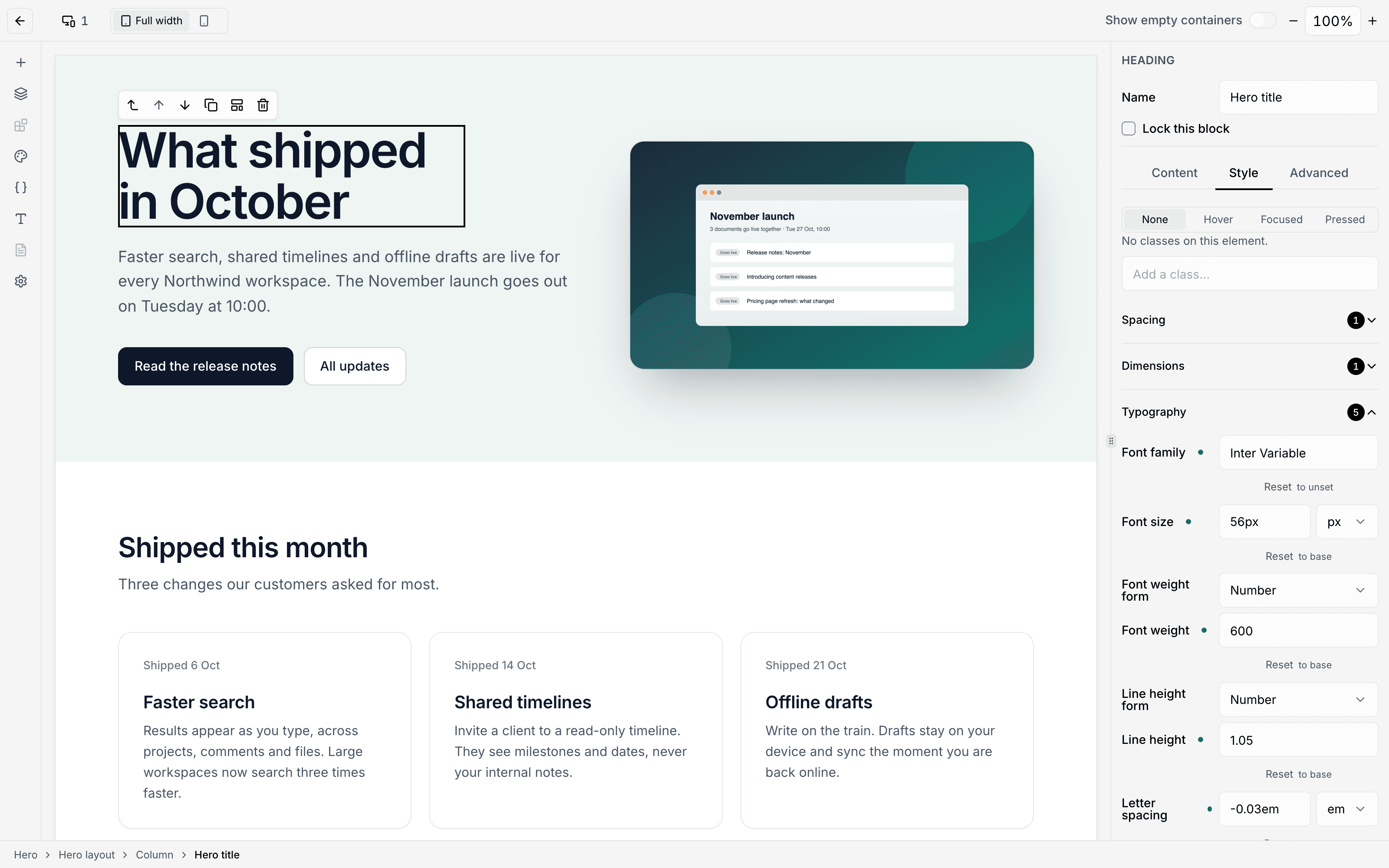
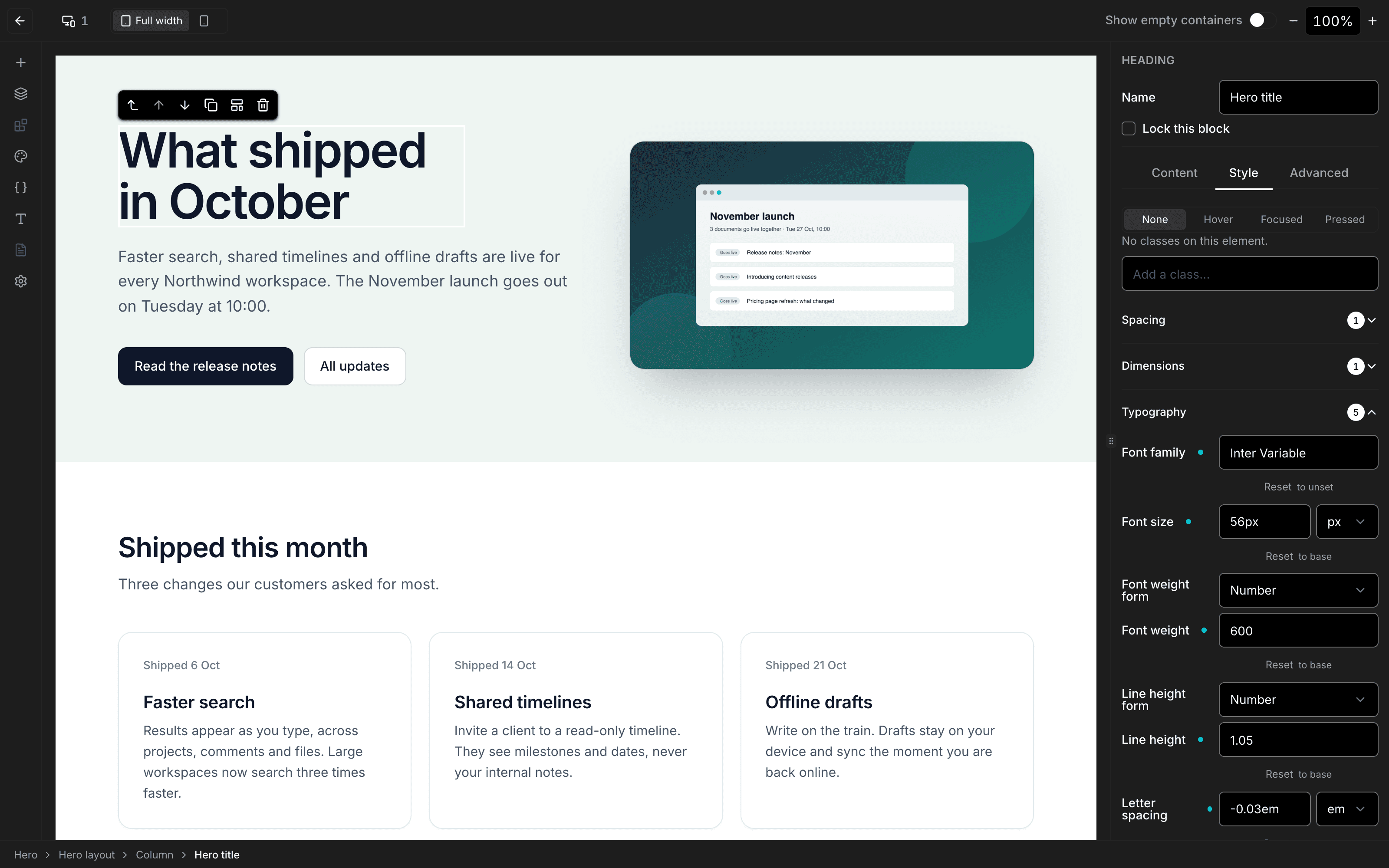
Compose pages in the Visual Page Builder.
Add the official Visual Page Builder when your project needs it. Twenty blocks out of the box, and the page renderer takes your own React blocks.
A block’s supports decides which style controls the Visual Page Builder offers for it.
The Visual Page Builder opens full-screen, in place of the admin’s sidebars and header.
Content Releases
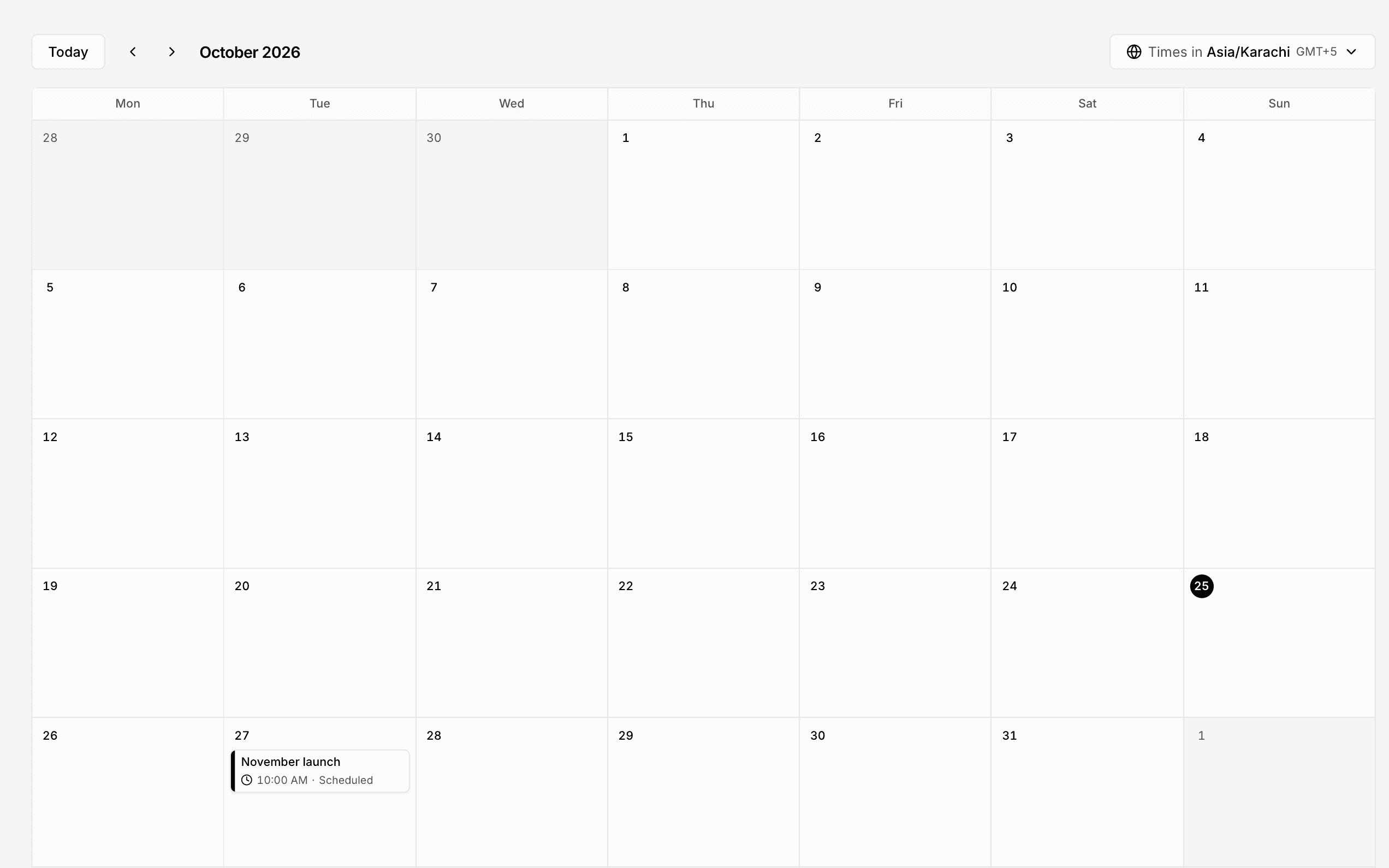
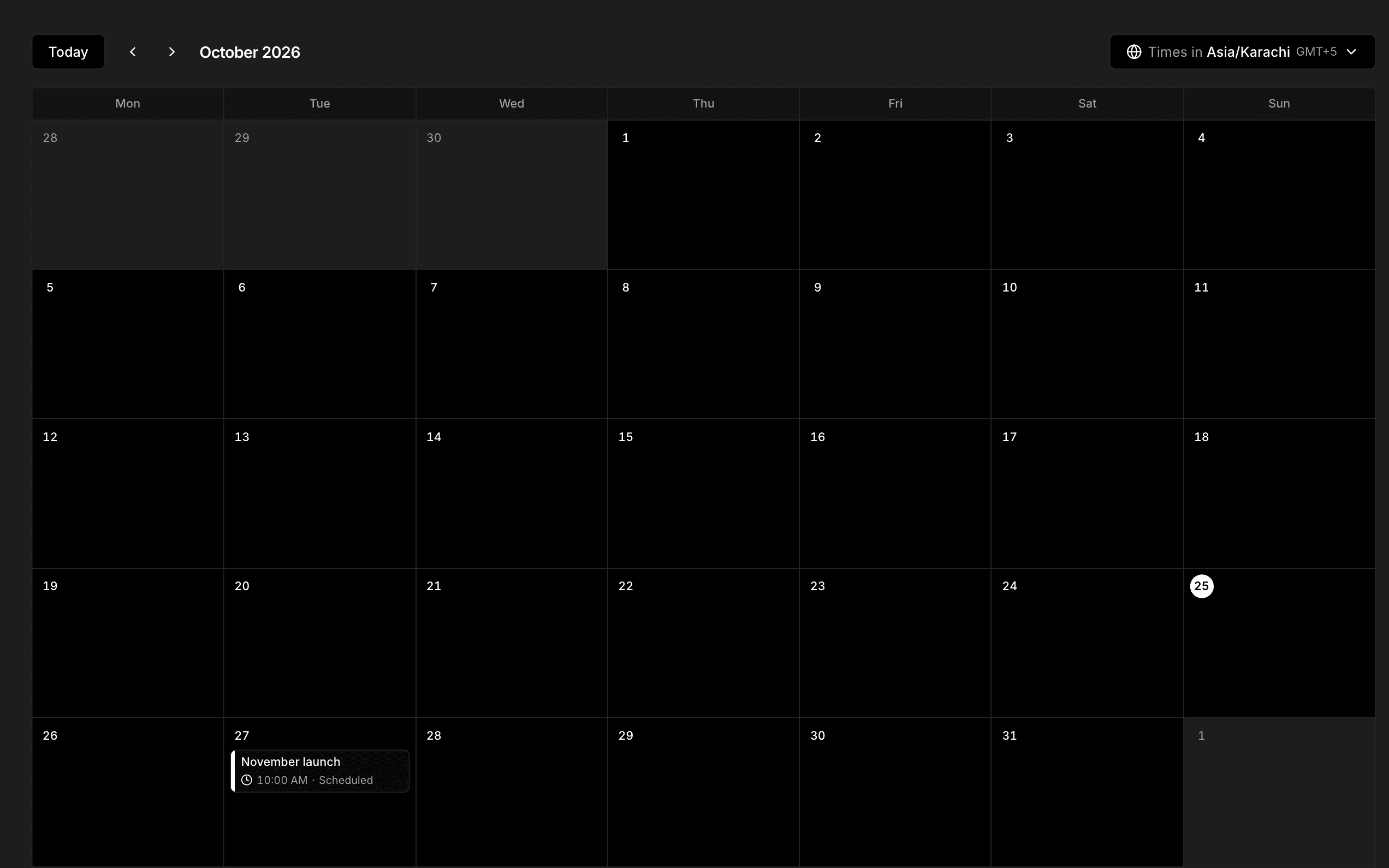
Group up to 200 documents’ changes into a Content Release and publish or unpublish them together at a time you choose, with a scheduler configured.
There is no review-and-approve step.
Localization
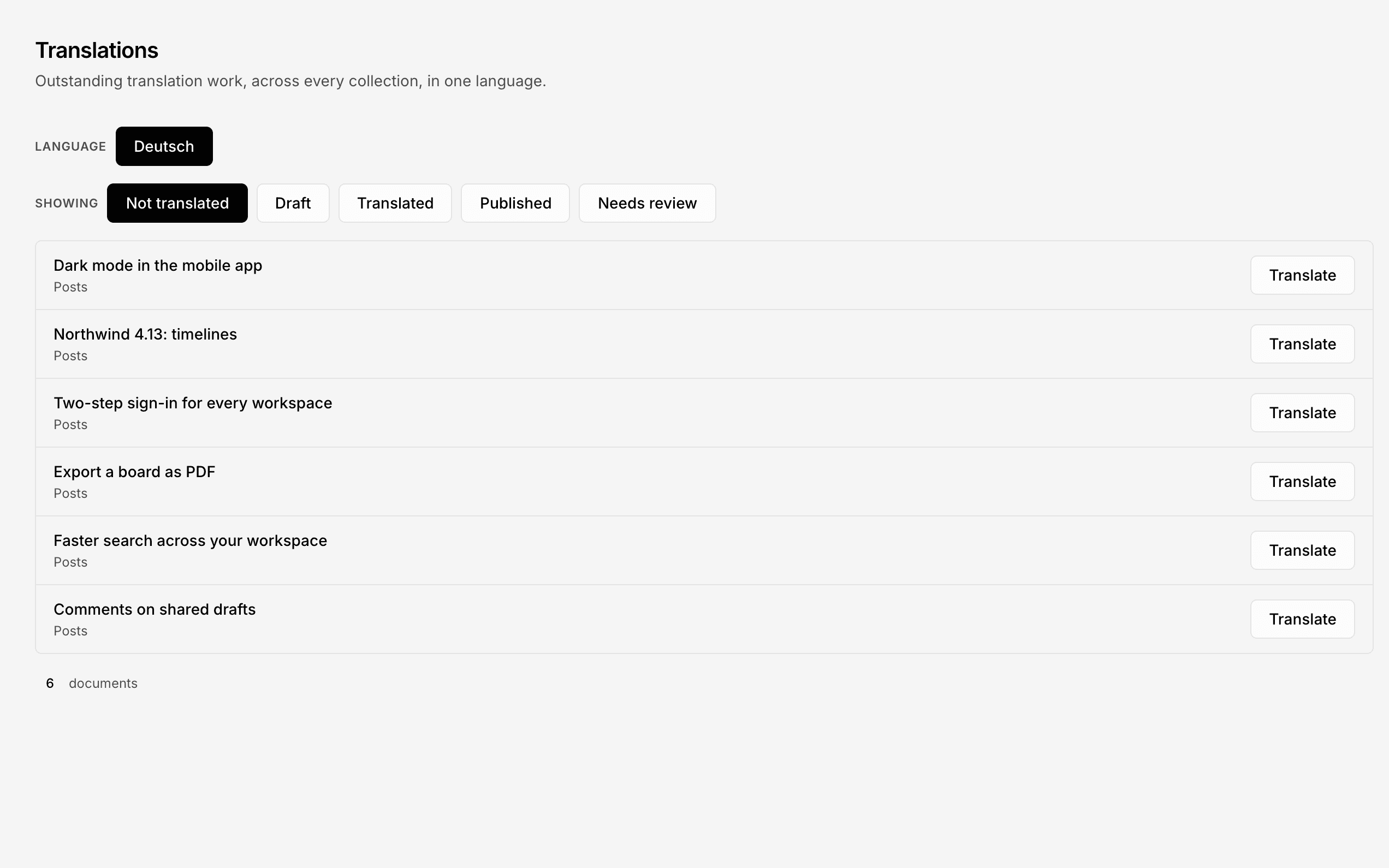
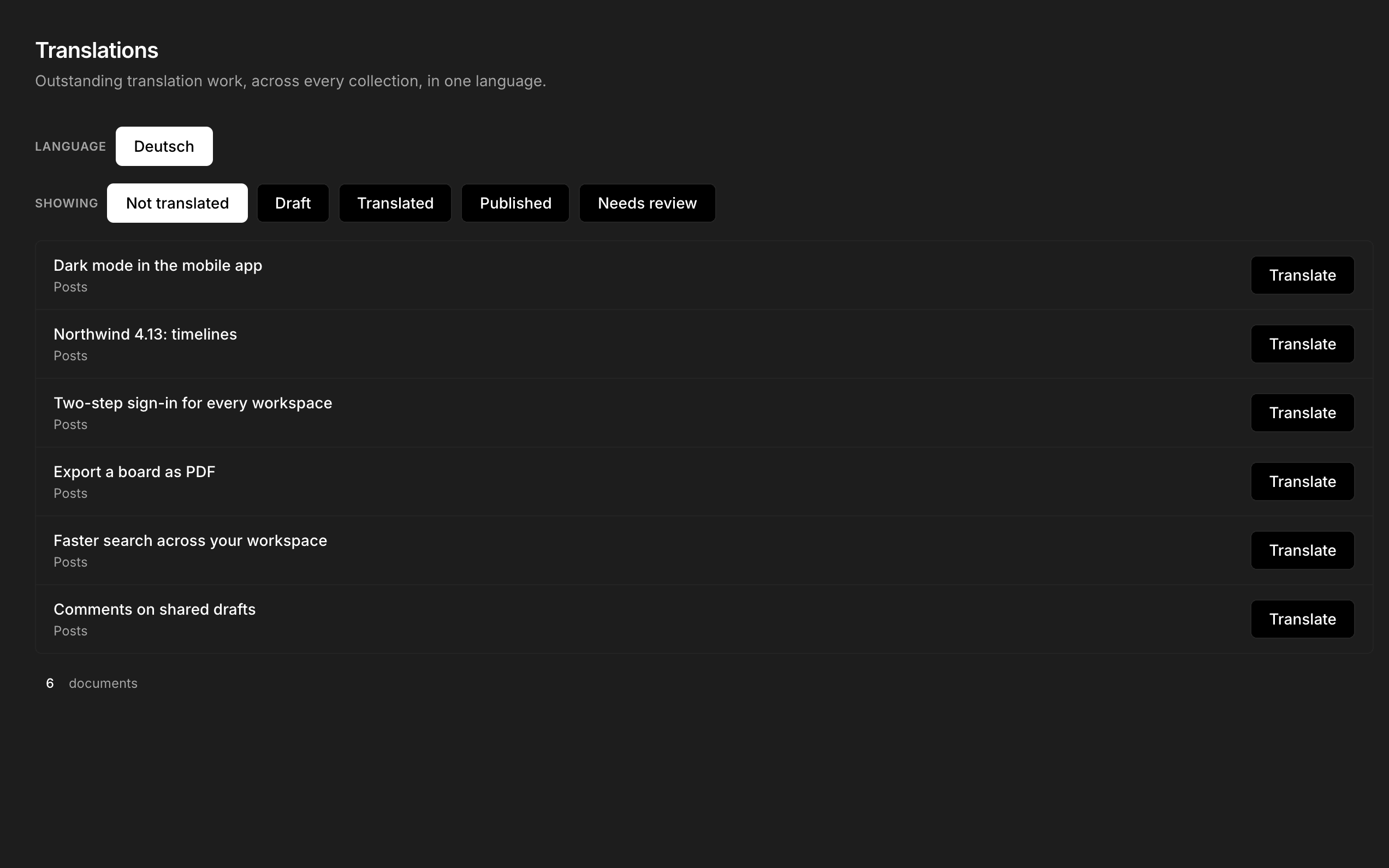
Translate collections, singles and components, with a fallback language when a translation is missing. With drafts on, publish each language’s translated fields on its own.
Version history
Turn on versions and Nextly keeps a version history: by default the newest 50 versions of each document, plus each language’s latest published version, every version you name and every restore point. Compare two versions of the same language and restore an earlier one from the admin; restoring saves the current state first.
Every save that changes the content is recorded as a version, drafts included.
Roles and permissions
Role-based permissions for each collection and action, plus field-level read and write rules in code, on a collection’s or single’s own fields.