

Visual Page Builder for Next.jsBuild pages from twenty core blocks, styled for each breakpoint.
Add the official Visual Page Builder when your project needs it. Twenty blocks out of the box, and the page renderer takes your own React blocks.
After a developer sets up and deploys Nextly, editors manage content and pages in the admin.
npx create-nextly-app@alpha my-appImport the editor’s stylesheet once in your admin page. Install steps
What it does
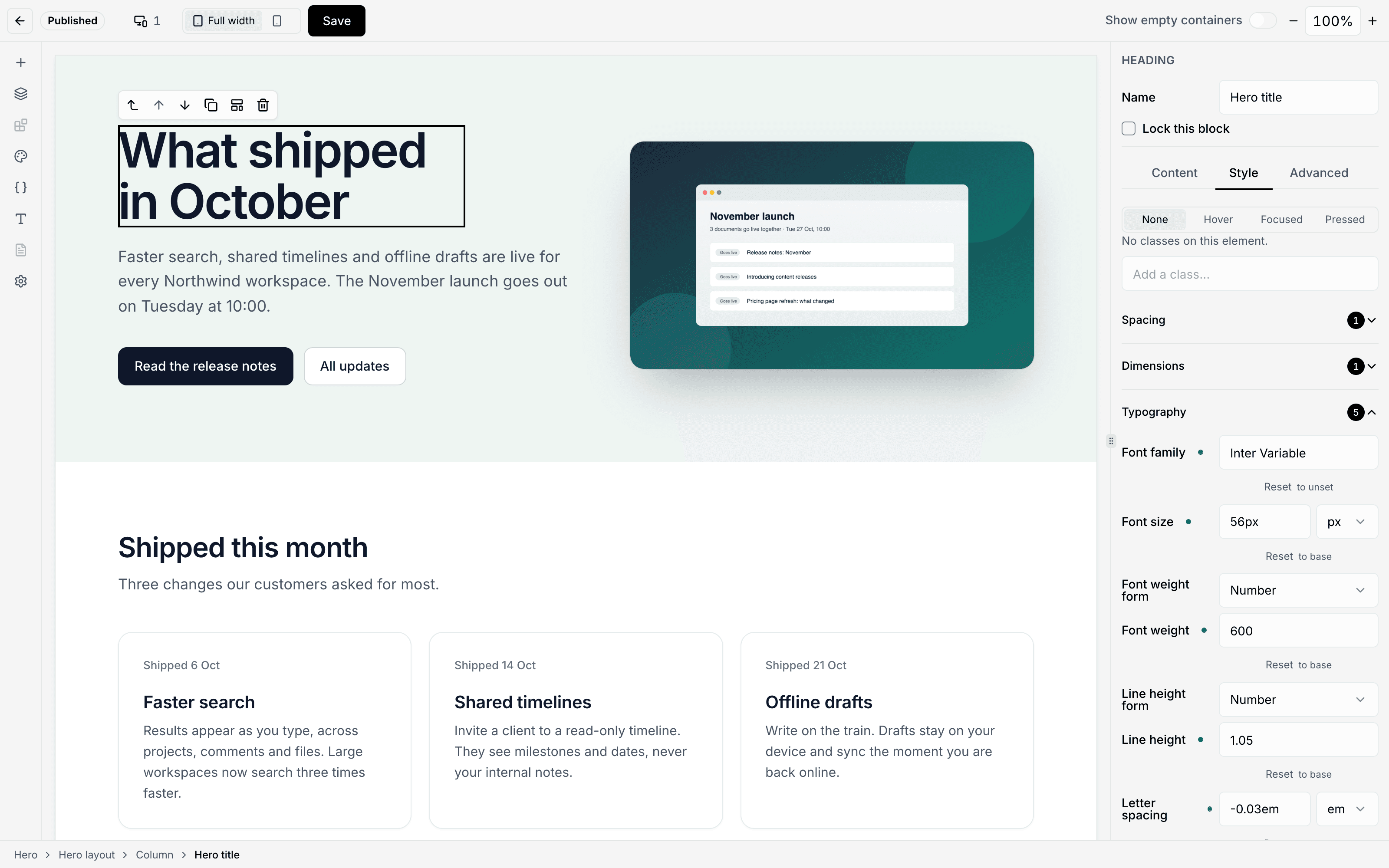
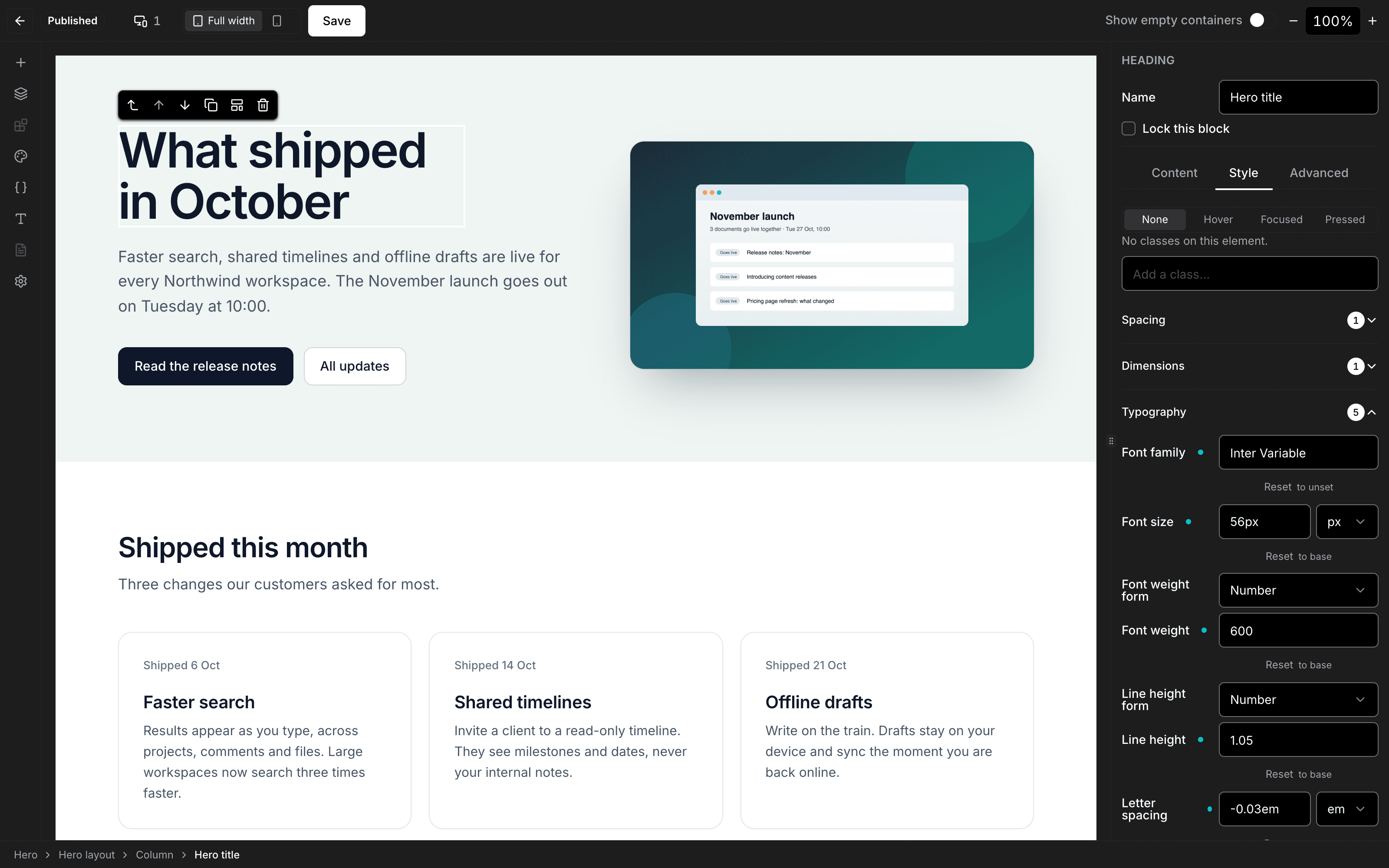
Style a block separately for each breakpoint: the Style tab edits the breakpoint the canvas is sized to, and the canvas resizes to each breakpoint’s width.
A block’s supports decides which style controls the Visual Page Builder offers for it.
LimitA published page shows the breakpoint styles only when its route passes siteStyles.
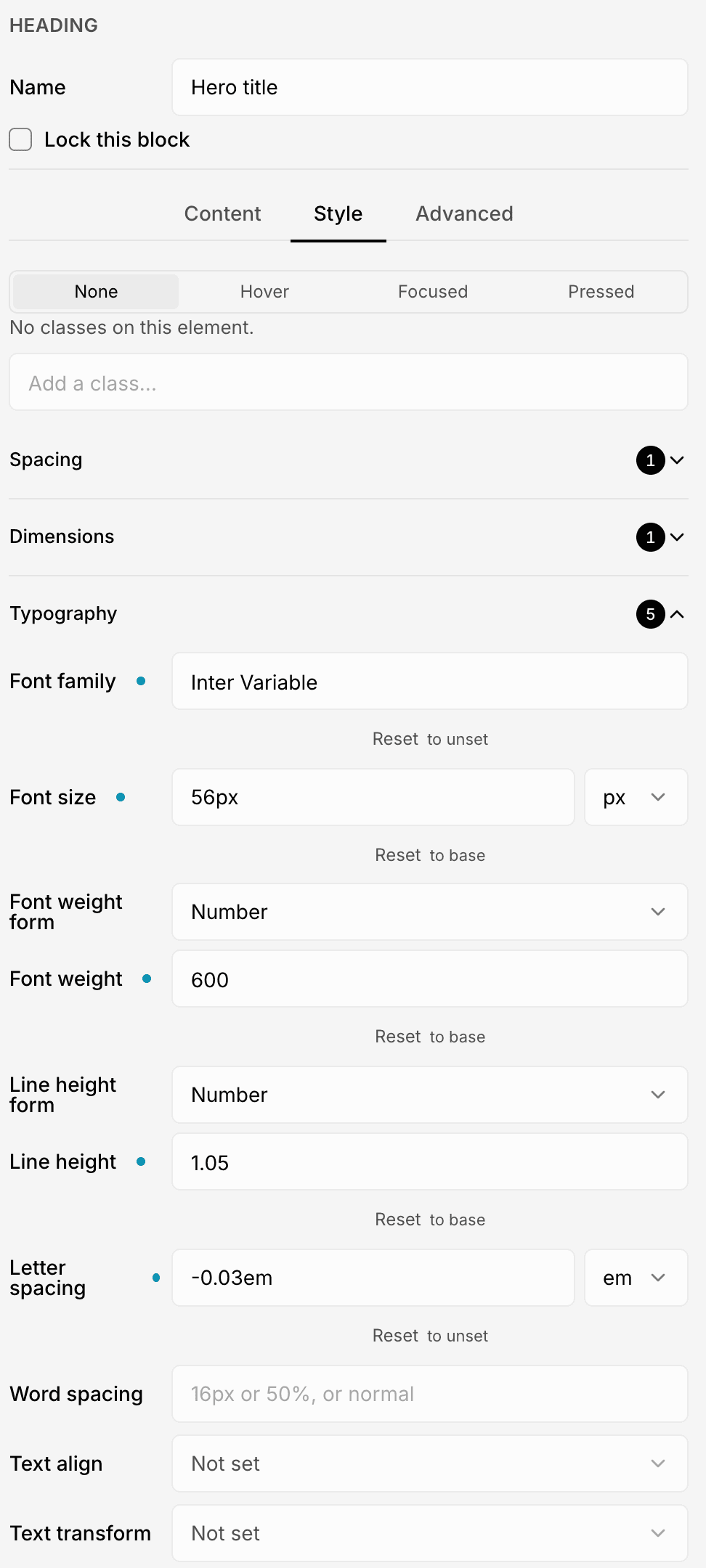
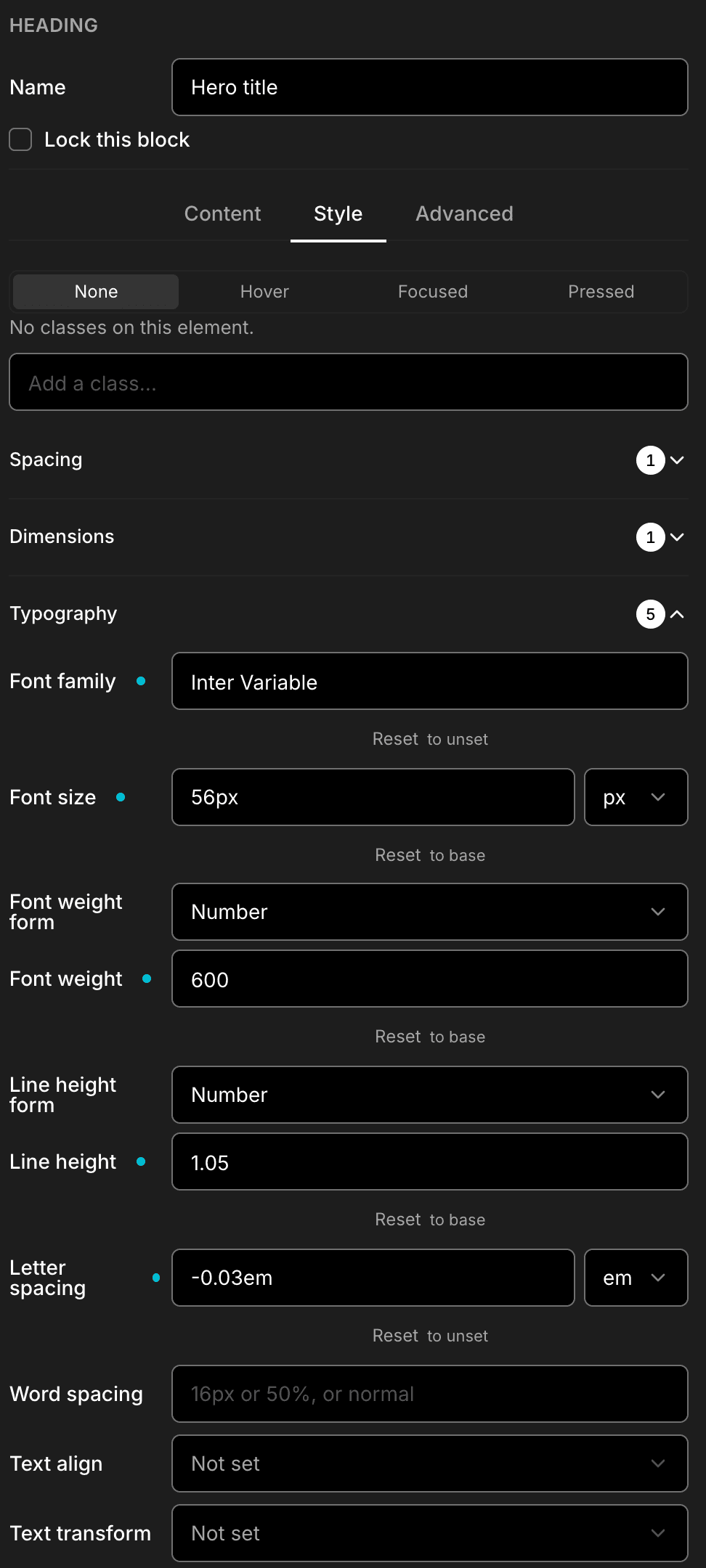
Move a selected block with Alt+Arrow keys: up and down among its siblings, left and right in and out of containers.
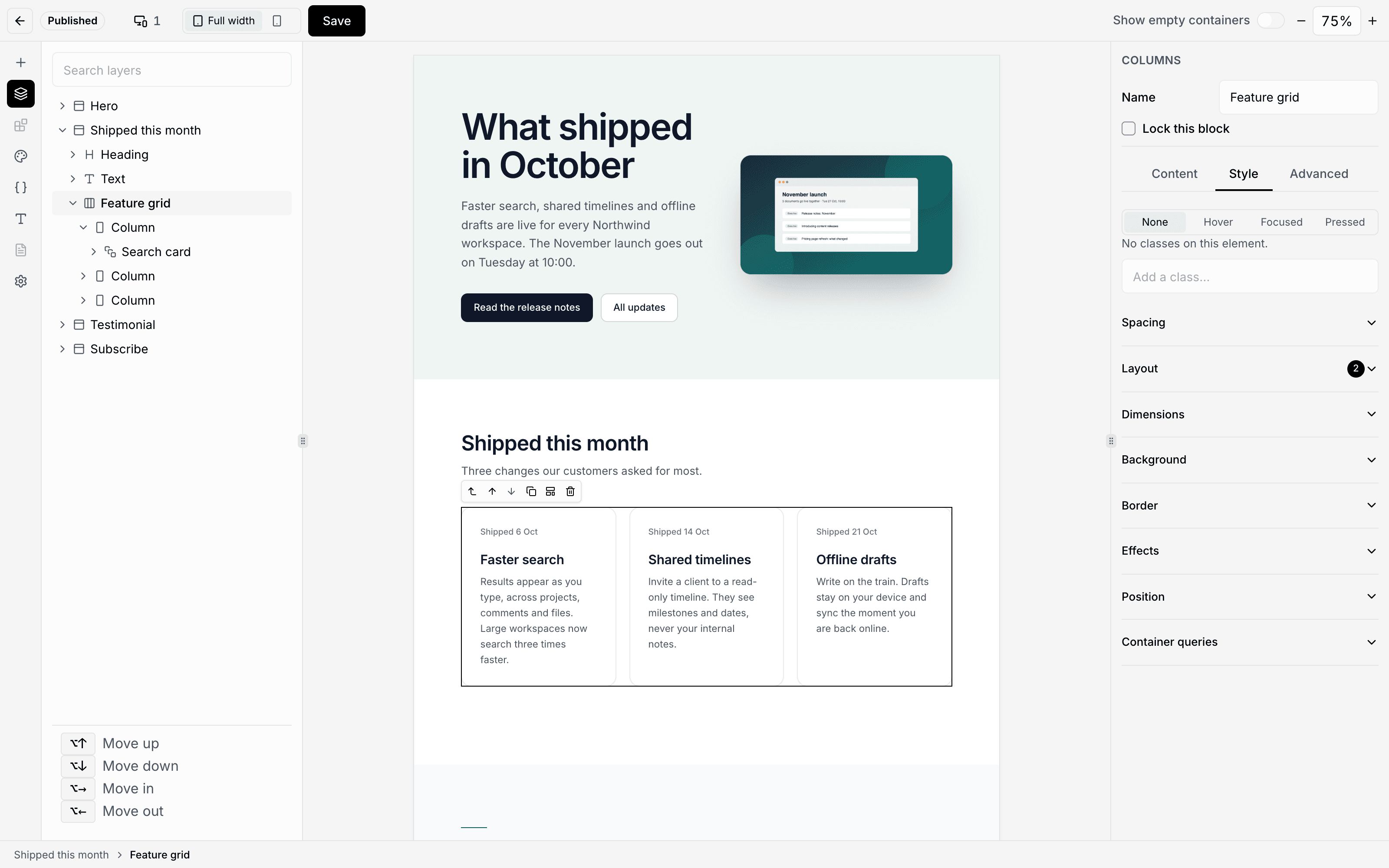
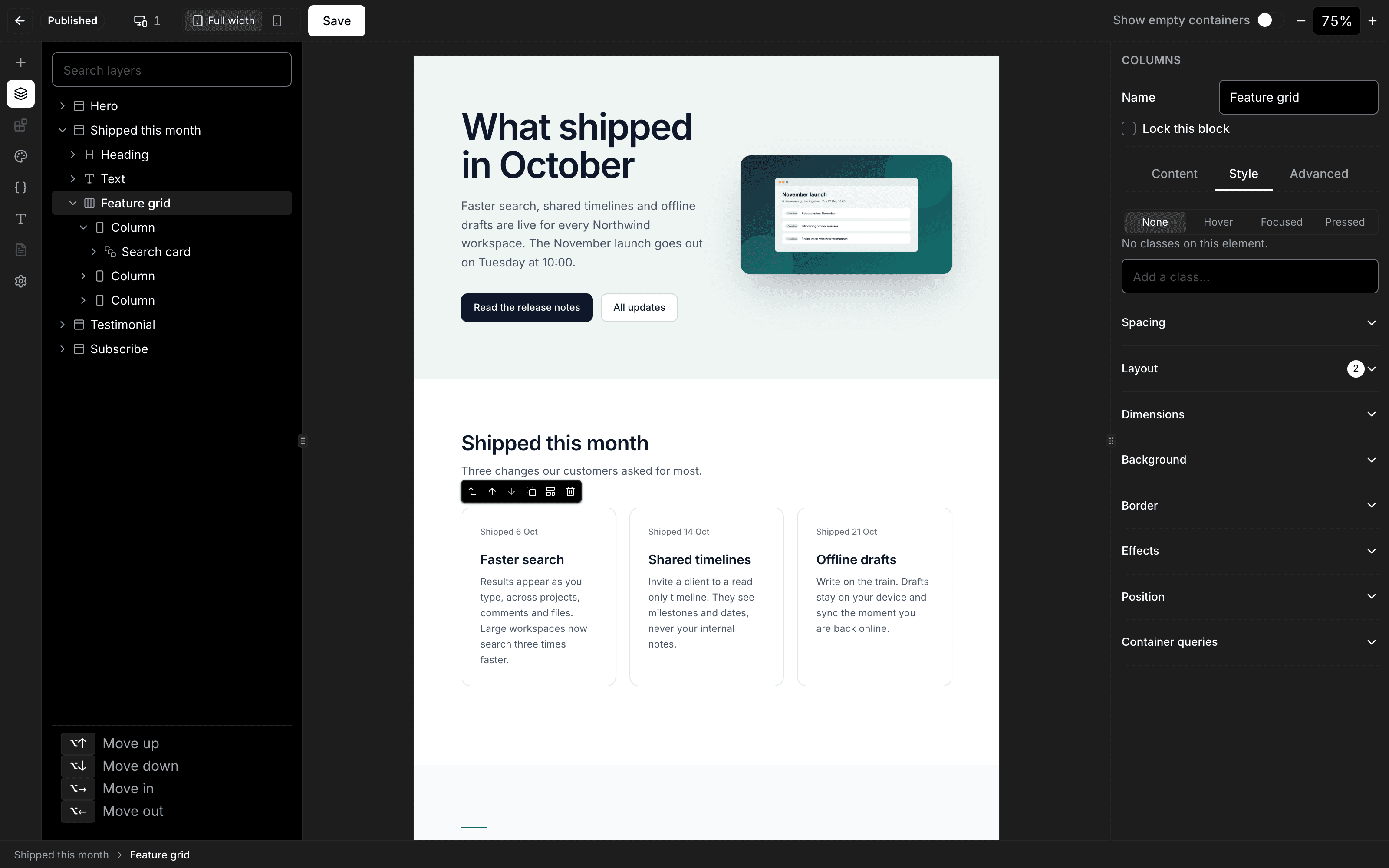
The Visual Page Builder ships with 20 core blocks, from sections and columns to forms, galleries and embeds.
Twenty blocks out of the box, and the page renderer takes your own React blocks.
For your team
In the admin
- After a developer sets up and deploys Nextly, editors manage content and pages in the admin.
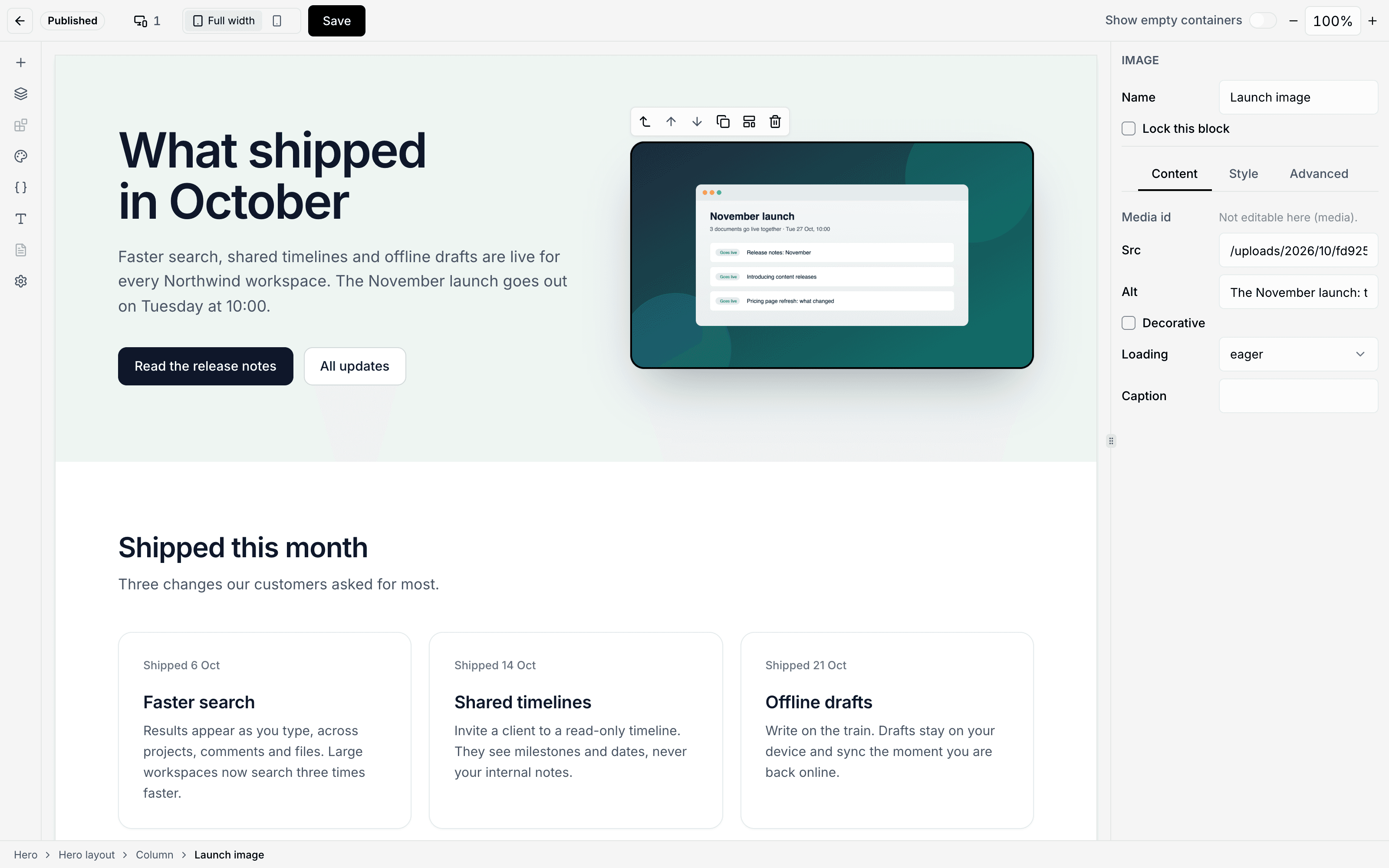
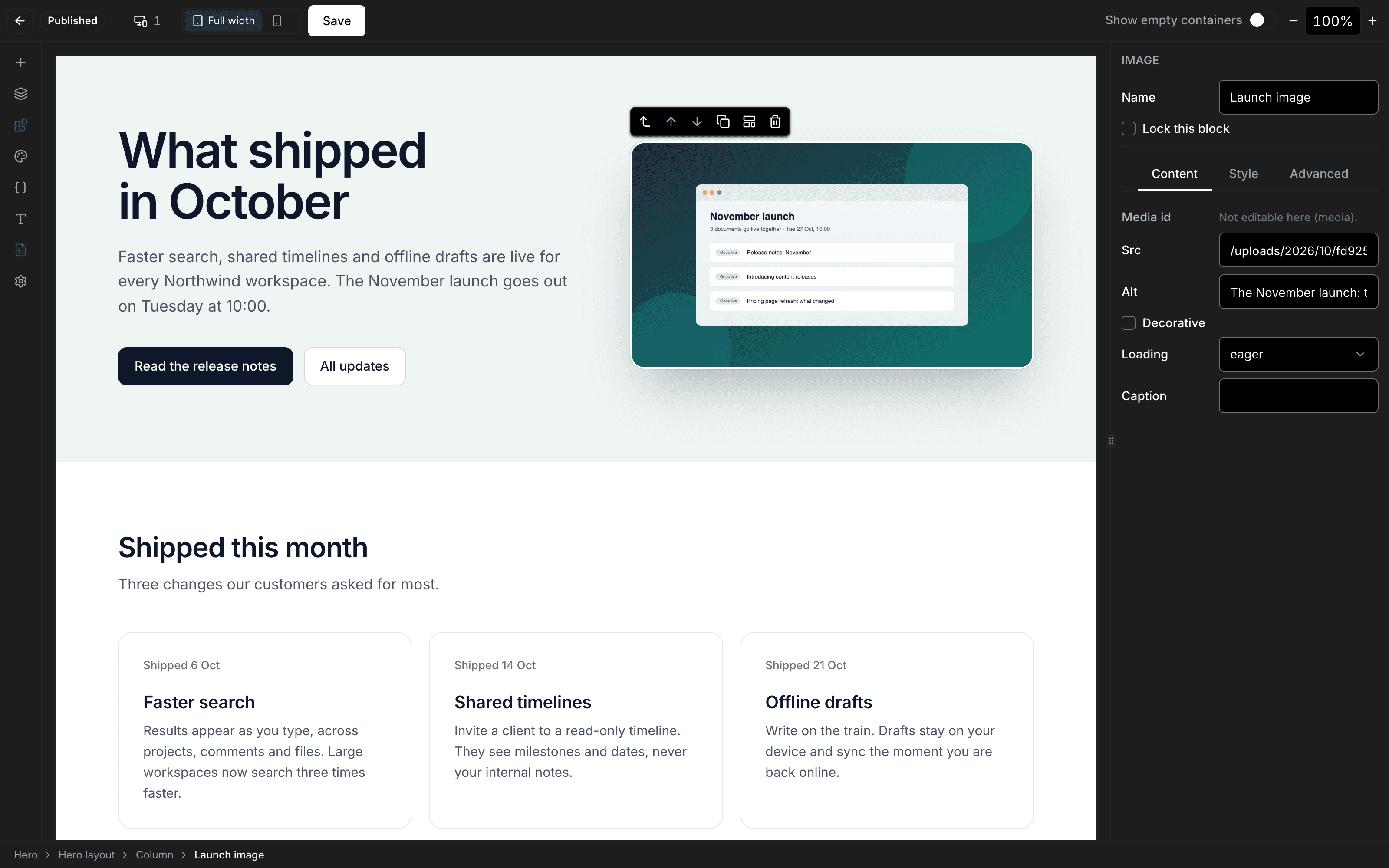
- The Visual Page Builder’s canvas draws your page with the same React renderer that serves it. Docs
For developers
In your code
- Twenty blocks out of the box, and the page renderer takes your own React blocks. Docs
// Hand it to the route beside the core set so the public page can draw it:
blocks: createBlockResolver([...coreBlocks, pricingTable]);
import { defineBlock } from "@nextlyhq/plugin-sdk/blocks";
export const pricingTable = defineBlock({
name: "acme/pricing-table", // must be namespaced
version: 1,
description: "A plan comparison table.",
editor: {
label: "Pricing Table",
category: "content",
keywords: ["plan", "pricing"],
},
props: {
plan: { type: "text" },
},
defaultProps: { plan: "Pro" },
example: { props: { plan: "Pro" } },
supports: { typography: true, color: true, spacing: true },
render: ({ props, className }) => (
<div className={className}>{String(props.plan)}</div>
),
});packages/plugin-page-builder/README.md · v0.0.2-alpha.70
Import the editor’s stylesheet once in your admin page. Install steps
import "@nextlyhq/plugin-page-builder/styles/editor.css";Try Nextly here, before you install it.
Pick a tour. Each one is a short, hands-on illustration of the product, and nothing here is saved.
A short tour, in your browser, and nothing is saved. Every control it draws is one Nextly 0.0.2-alpha.70 has; a dashed button is a tour shortcut.
An illustration of the Visual Page BuilderAn illustration of the Visual Page Builder’s panels, stacked to fit a small screen nothing is saved
The builder itself needs a window at least 1280 pixels wide.
Step 1 of 6Step 1 of 5
Adds at the end of the page
content
media
interactive
Start here: add a ButtonSix of the core blocks, to try.
Product updates
What shipped this month, what is scheduled next, and the thinking behind it.
Build a page from the 20 core blocks. A block’s supports decides which style controls the Visual Page Builder offers for it.
npx create-nextly-app@alpha my-appIn 0.0.2-alpha.70
What ships today
- Package
@nextlyhq/plugin-page-builder- Release
0.0.2-alpha.70· 25 Oct 2026- Licence
- MIT
- Core blocks
- 20 core blocks
- Requires
- Node.js 22.12+ or 24+; Next.js 16 with the App Router; React 19
- Runs on
- Your own PostgreSQL or MySQL database, or SQLite for local work
Not today
Where it stops
- Breakpoint styles on the live page
- A published page shows the breakpoint styles only when its route passes
siteStyles. Docs - A breakpoint, not a device
- The canvas isn’t an iframe, so
vw,vhand hand-written@mediarules follow the admin window. Docs - No site preview
- The builder resizes its canvas to breakpoints and has no site preview of its own. Docs
- Pages in other languages
- The official Pages collection is not translated; a blocks field in a collection you make translatable can be. Docs
- One stylesheet to import
- Import the editor’s stylesheet once in your admin page. Docs
Nextly is in alpha. APIs may change before 1.0. Pin exact versions in production.
Questions
Is the Visual Page Builder open source?
MIT licensed and included in the open-source packages: @nextlyhq/plugin-page-builder 0.0.2-alpha.70.
MIT today, and no decision yet about paid offerings.
Which blocks come with it?
The Visual Page Builder ships with 20 core blocks, from sections and columns to forms, galleries and embeds.
Twenty blocks out of the box, and the page renderer takes your own React blocks.
What reaches the browser?
Pages render on the server, and the core blocks add no JavaScript of their own.
The Next.js runtime still loads, and the embed block runs in a sandboxed iframe that may run scripts.
Who builds the pages?
After a developer sets up and deploys Nextly, editors manage content and pages in the admin.
Is it a plugin?
The Visual Page Builder is itself a plugin.