

Agency workClient sites with an admin you can hand over.
Build each client site as its own Next.js app, with its own Nextly and its own database.
After a developer sets up and deploys Nextly, editors manage content and pages in the admin.
npx create-nextly-app@alpha my-app01How it fits together
What you write, what Nextly runs, and who it is for
Each numbered part is explained under the drawing, with its limit where it has one.
Your Next.js app
- In your code
nextly.config.tsYour client’s logo and coloursNextly, inside your Next.js appThe adminAt /adminWho it is forYour client’s editors - In your codeSet in the adminNextly, inside your Next.js appRoles and permissionsPer collection and actionWho it is forEach person on your client’s team
- In your codeTwenty core blocksNextly, inside your Next.js appVisual Page Builder
@nextlyhq/plugin-page-builderWho it is forYour client builds pages - In your code
collections/*.tsThe content model, in codeNextly, inside your Next.js appVisual Schema BuilderOff in production by defaultWho it is forYou, in development
Your own PostgreSQL or MySQL database, or SQLite for local work
The admin
Put your client’s logo, favicon and colours on the admin with
admin.branding.Sign-in for your team: email and password, sessions and API keys, stored in your own database.
CMS for Next.jsRoles and permissions
Role-based permissions for each collection and action, plus field-level read and write rules in code, on a collection’s or single’s fields, fields inside field groups included.
CMS for Next.jsVisual Page Builder
The Visual Page Builder ships with 20 core blocks, from sections and columns to forms, galleries and embeds.
A block’s
Visual Page Buildersupportsdecides which style controls the Visual Page Builder offers for it.Visual Schema Builder
Model content visually on your development instance with the Visual Schema Builder.
In production the Visual Schema Builder is off unless you turn it on with
Visual Schema Builderadmin.branding.showBuilder.
02Who does what
Who does what
Your agency
- 01
Create the project
One command creates a project with the admin and a database:
npx create-nextly-app@alpha my-app. - 02
Brand the admin
Put your client’s logo, favicon and colours on the admin with
admin.branding. - 03
Create the first admin
In production, the web setup asks for a one-time setup token, printed in the server log, before it creates the first admin.
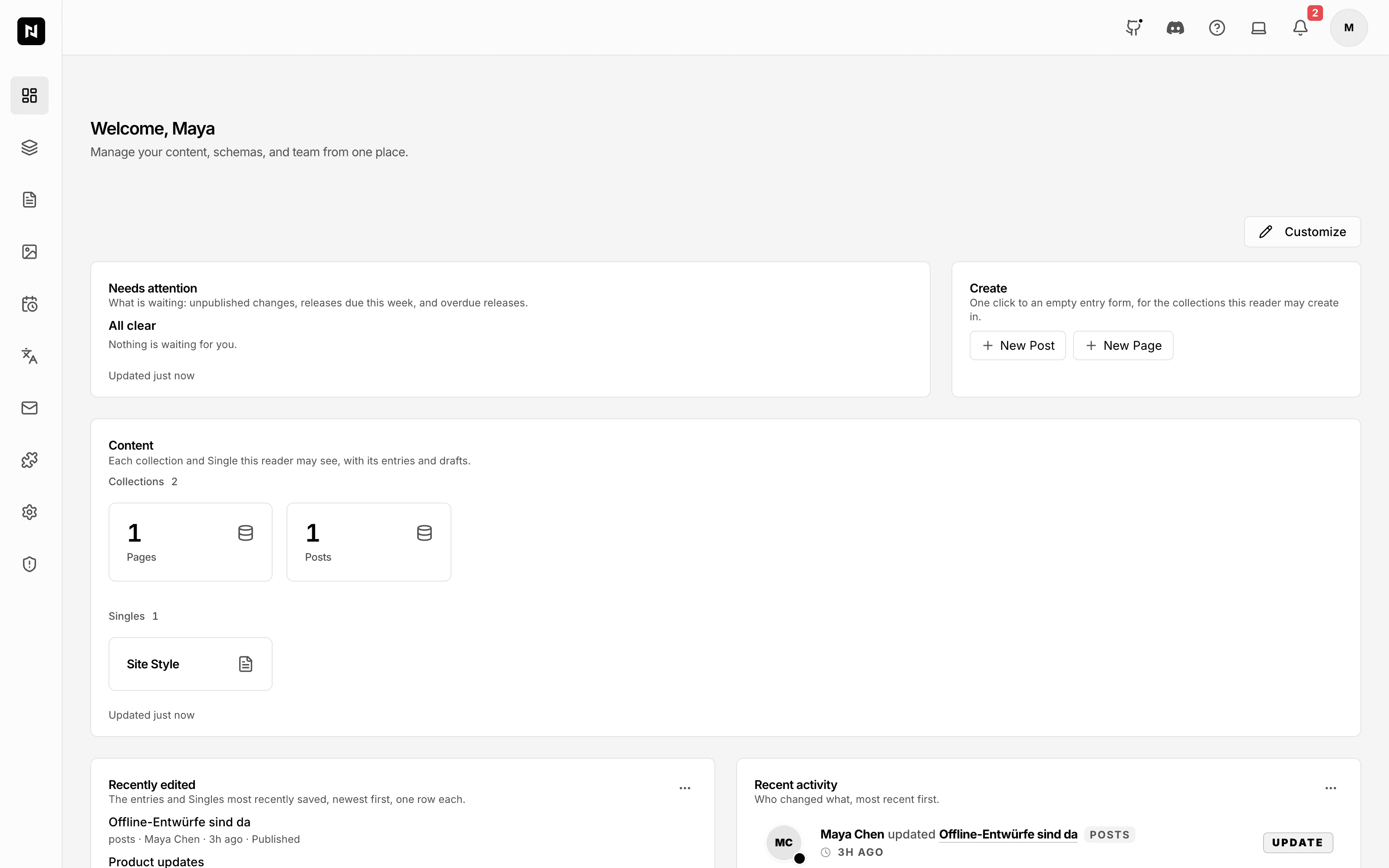
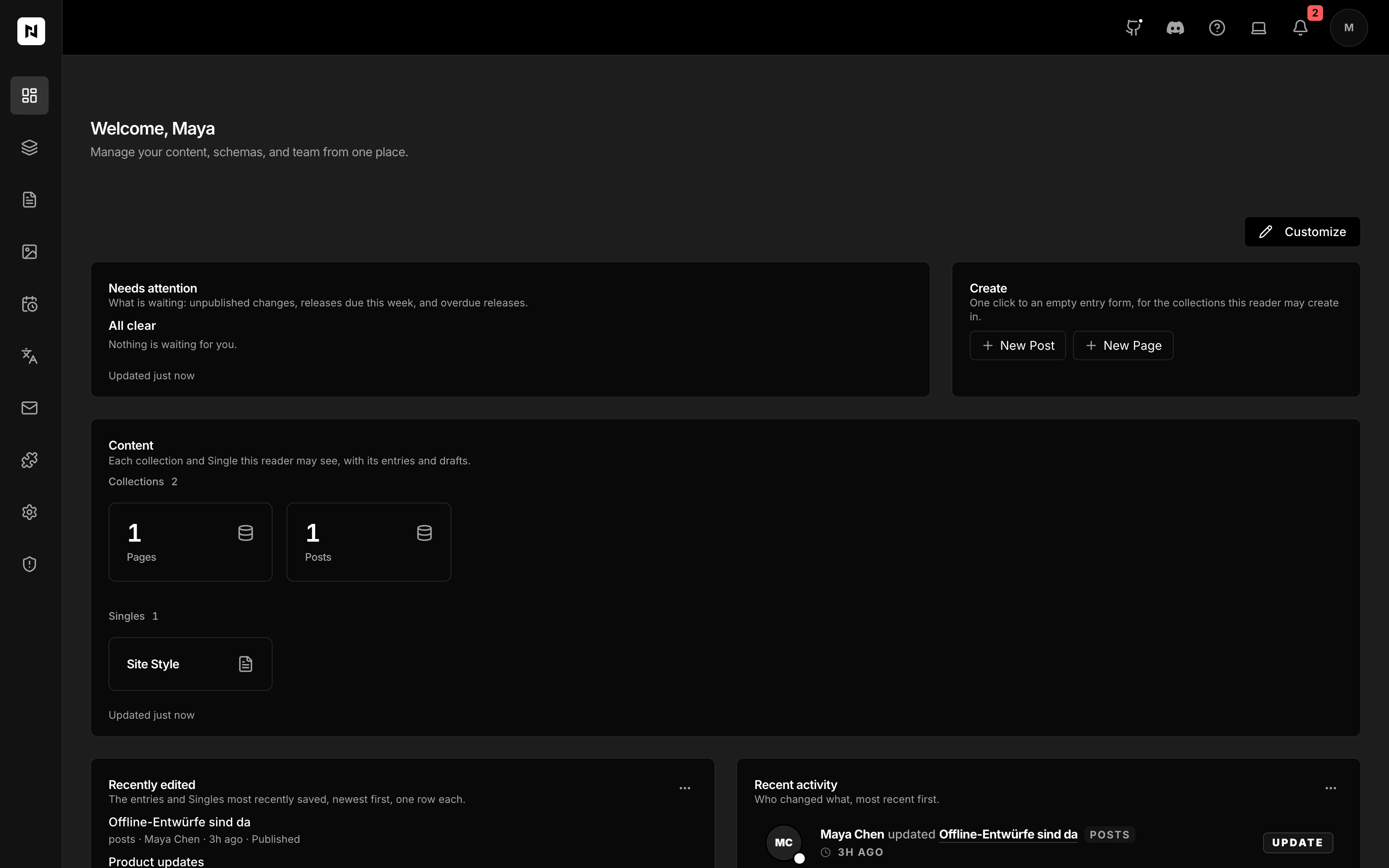
The dashboard, with its collection counts and create buttons. Nextly admin · 0.0.2-alpha.69
HandoverAfter a developer sets up and deploys Nextly, editors manage content and pages in the admin.
Your client
- 04
Build pages
The Visual Page Builder ships with 20 core blocks, from sections and columns to forms, galleries and embeds.
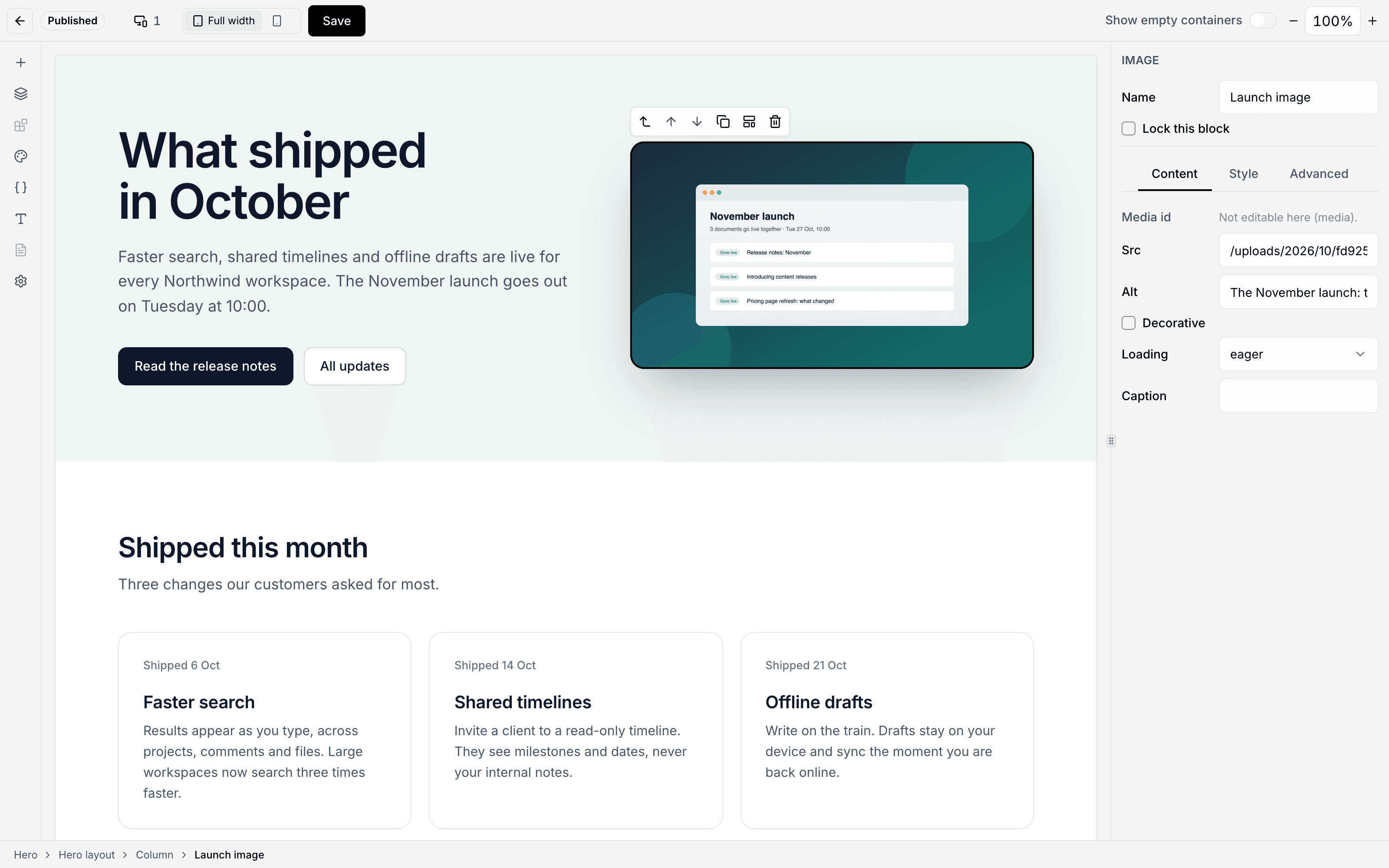
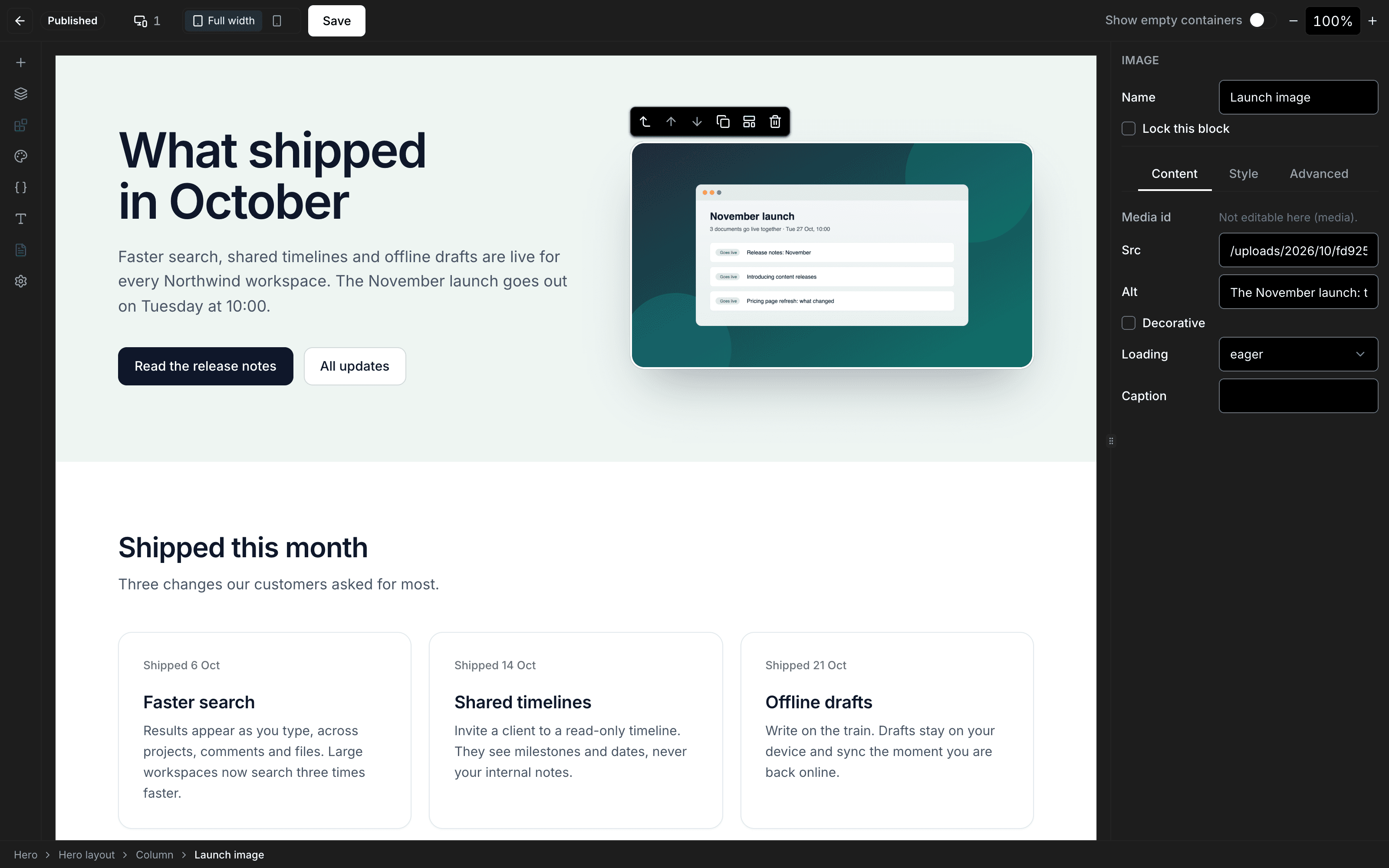
An image block selected, with its Content tab open. Nextly admin · 0.0.2-alpha.69
- 05
Restore an earlier version
Compare two versions of the same language and restore an earlier one from the admin; restoring saves the current state first.
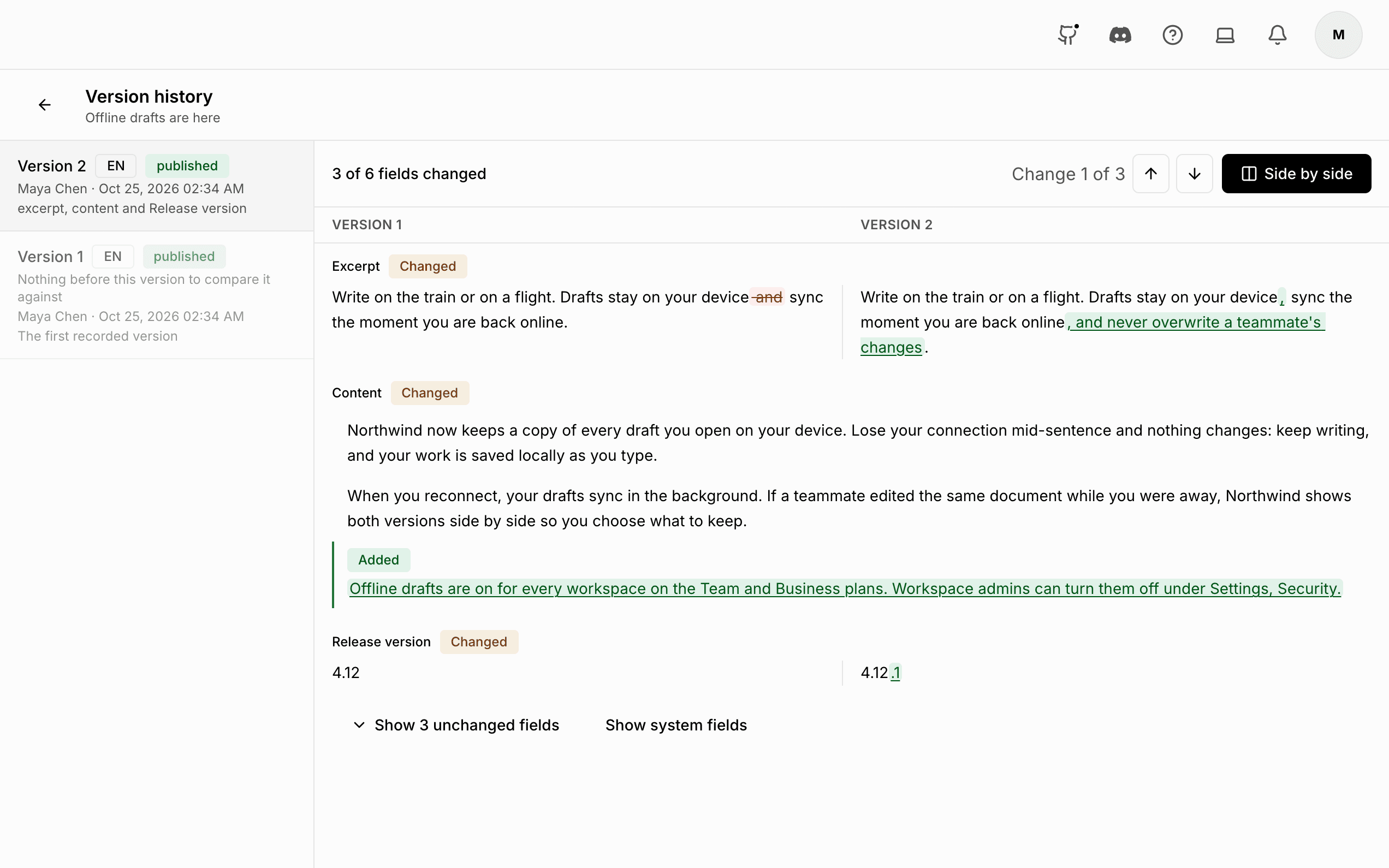
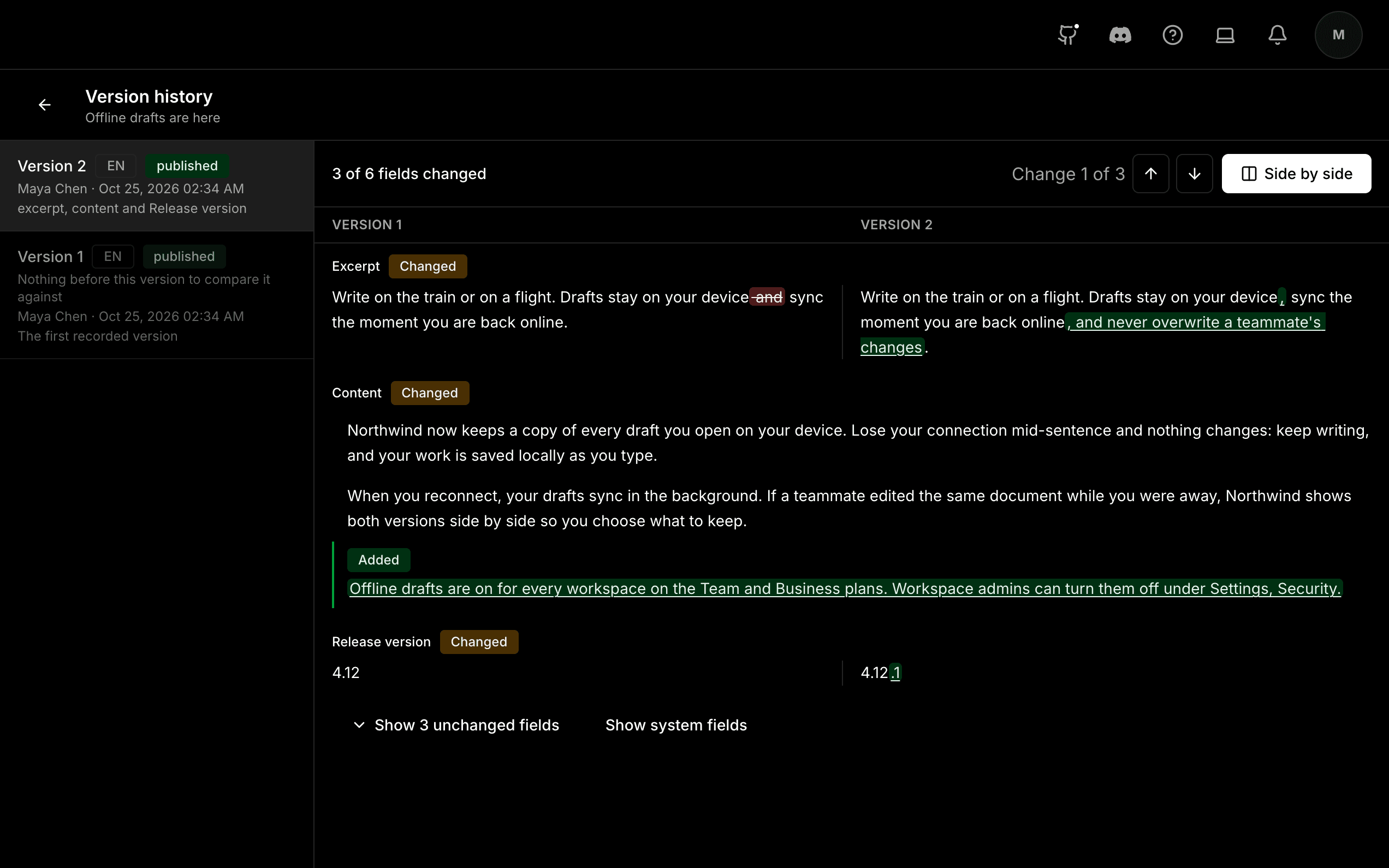
Two versions of a post compared side by side. Nextly admin · 0.0.2-alpha.69
- 06
See who changed what
An activity feed of who created, changed or deleted entries, and a security audit trail.
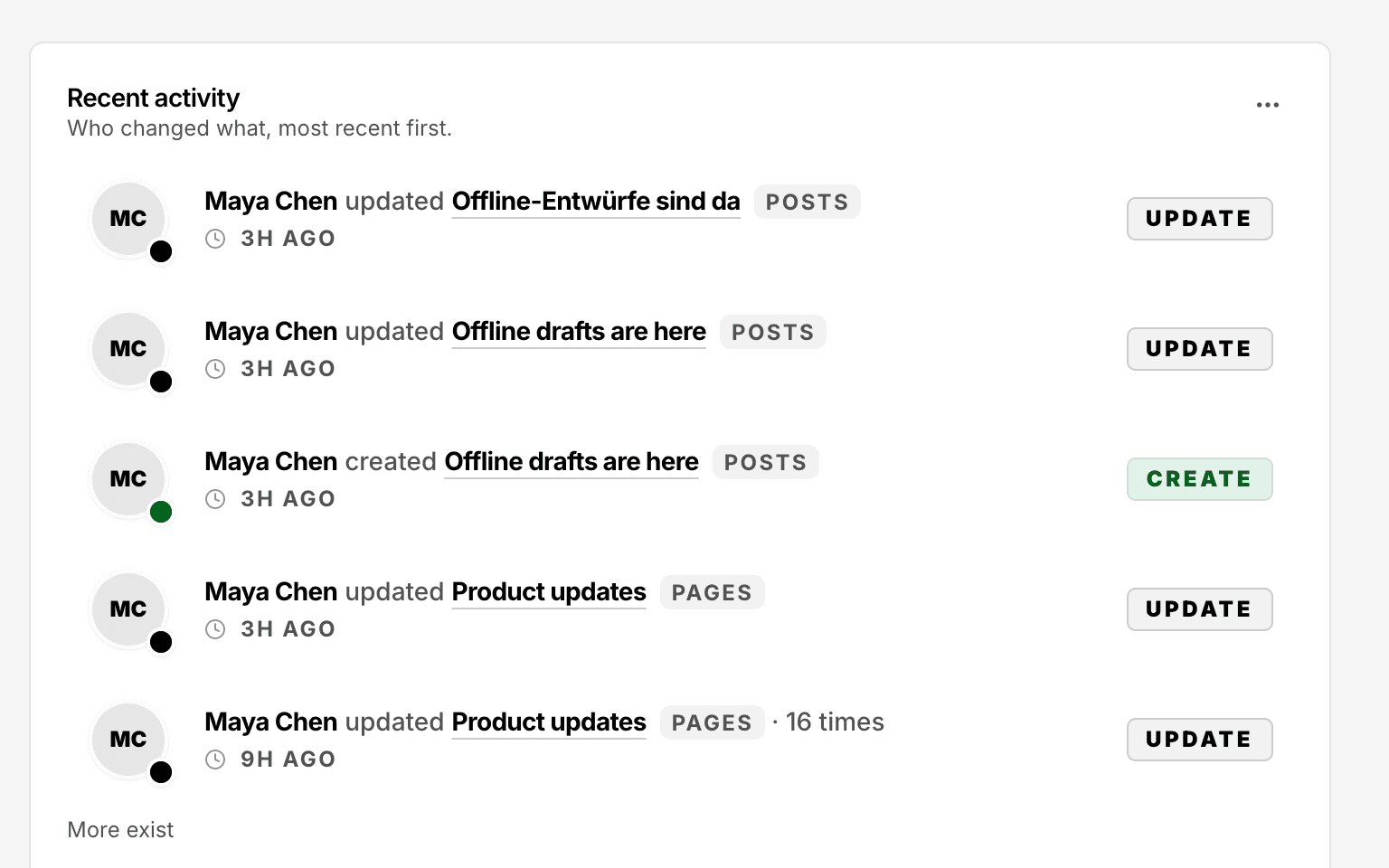
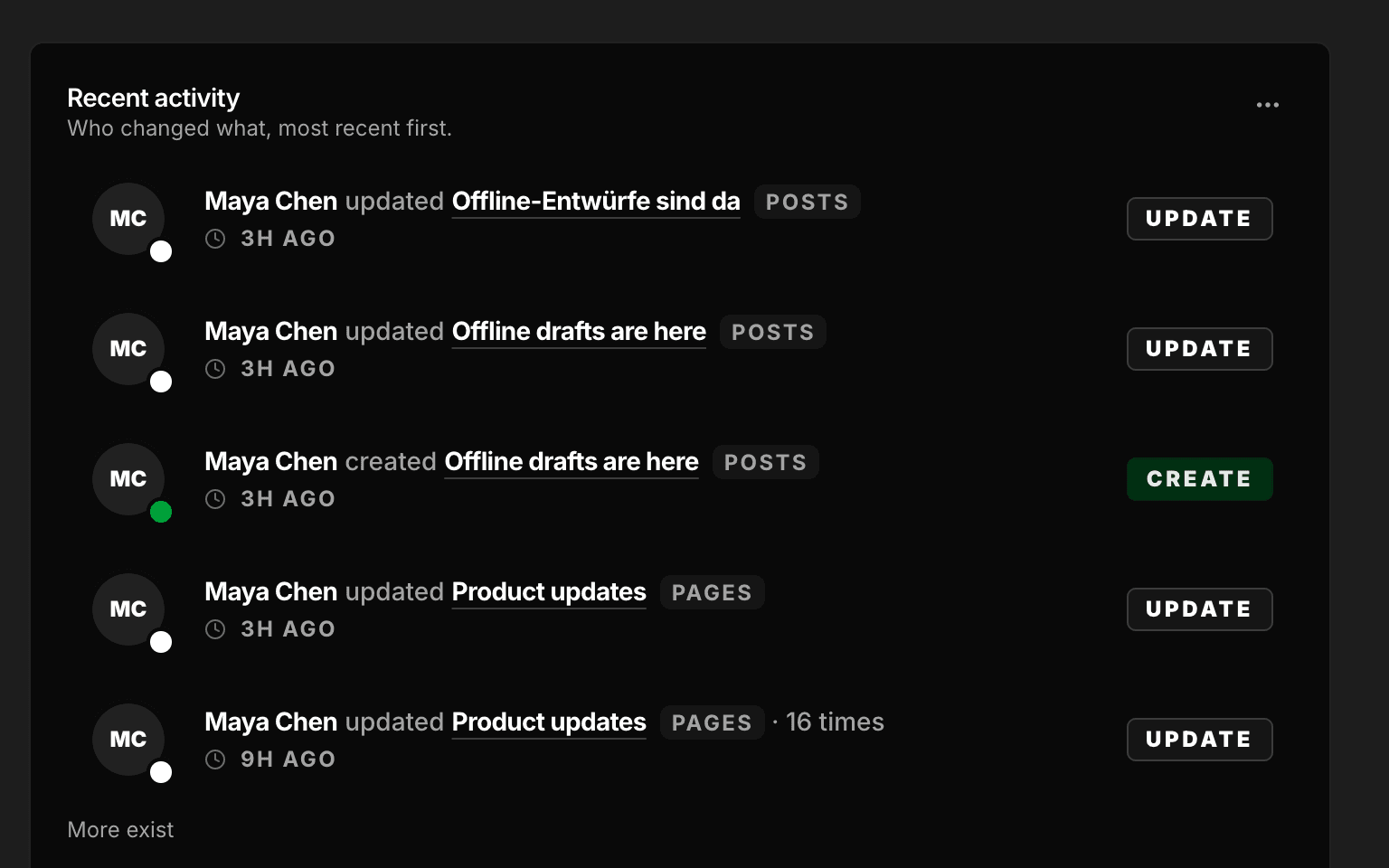
The recent activity feed on the dashboard. Nextly admin · 0.0.2-alpha.69
03In your code
The code you write
// Single logo for both modes
admin: {
  branding: {
    logoUrl: "/logo.svg",
    logoText: "Acme CMS",
  },
},
import { defineCollection, relationship, text } from "nextly/config";
export const Posts = defineCollection({
slug: "posts",
fields: [
text({ name: "title" }),
relationship({ name: "author", relationTo: "users" }),
],
access: {
read: true,
// Narrowed: the role's update-posts, and not while a content freeze is on.
update: () => process.env.CONTENT_FREEZE !== "on",
},
});docs/admin/branding.mdx · v0.0.2-alpha.72
Try Nextly here, before you install it.
Pick a tour. Each one is a short, hands-on illustration of the product, and nothing here is saved.
A short tour, in your browser, and nothing is saved. Every control it draws is one Nextly 0.0.2-alpha.72 has; a dashed button is a tour shortcut.
An illustration of the Nextly admin nothing is saved
Step 1 of 3
Posts Release notes: November
Release notes: November
History
Every save that changes the content is recorded as a version, drafts included.
- Version 2 yesterday Excerpt rewritten
- Version 1 3 days ago Created
Every save that changes the content is recorded as a version. Compare two, and restore one.
npx create-nextly-app@alpha my-appIn 0.0.2-alpha.72
What ships today
- Packages
nextly,@nextlyhq/plugin-page-builder- Release
0.0.2-alpha.72· 27 Oct 2026- Licence
- MIT
- Core blocks
- 20 core blocks
- Databases
- PostgreSQL 15+, MySQL 8+, SQLite 3.38+ for local work
- Requires
- Node.js 22.12+ or 24+; Next.js 16 with the App Router; React 19
Where Nextly is today
Before you start
Nextly fits if you want
- Keep the site inside your own Next.js app, on your own database.
- Access rules in code that apply over REST and in the admin.
Look elsewhere if you need
- One admin serving many clients from one database.
- A review-and-approve step before publishing.
- A hosted service. Nextly is self-hosted.
- One client, one app
- One admin does not keep several clients’ content apart: access rules have no per-row filtering, so give each client their own app and database. Docs
- The first admin
- In production, the web setup asks for a one-time setup token, printed in the server log, before it creates the first admin. Docs
- The schema in production
- In production the Visual Schema Builder is off unless you turn it on with
admin.branding.showBuilder. Docs
Nextly is in alpha. APIs may change before 1.0. Pin exact versions in production.
Questions
Short answers
Can each client have their own database?
Build each client site as its own Next.js app, with its own Nextly and its own database.
Runs inside your own Next.js app, on your own PostgreSQL or MySQL database, or SQLite for local work.
Can one Nextly admin serve several clients?
No. One admin does not keep several clients’ content apart: access rules have no per-row filtering, so give each client their own app and database.
Can I put my client’s logo on the admin?
Put your client’s logo, favicon and colours on the admin with admin.branding.
Can my client change the content model?
In production the Visual Schema Builder is off unless you turn it on with admin.branding.showBuilder.
Model content visually on your development instance with the Visual Schema Builder.
Can my client undo a change?
Working drafts with autosave, and a side-by-side comparison of two versions of the same language.
Compare two versions of the same language and restore an earlier one from the admin; restoring saves the current state first.
Which plugins can I add?
The established official plugins: Visual Page Builder, SEO and Form Builder.
Build forms and capture submissions with the official Form Builder plugin.
Is Nextly free?
Nextly is MIT licensed and self-hosted.
MIT today, and no decision yet about paid offerings.
The parts of Nextly this uses
- Use caseNext.js appsUse Nextly as the content and admin layer inside your Next.js app.
- Use caseMarketing websitesAfter a developer sets up and deploys Nextly, editors manage content and pages in the admin.
- Use caseHeadless CMSRead content straight from your database in your page code (the Direct API), or over REST.